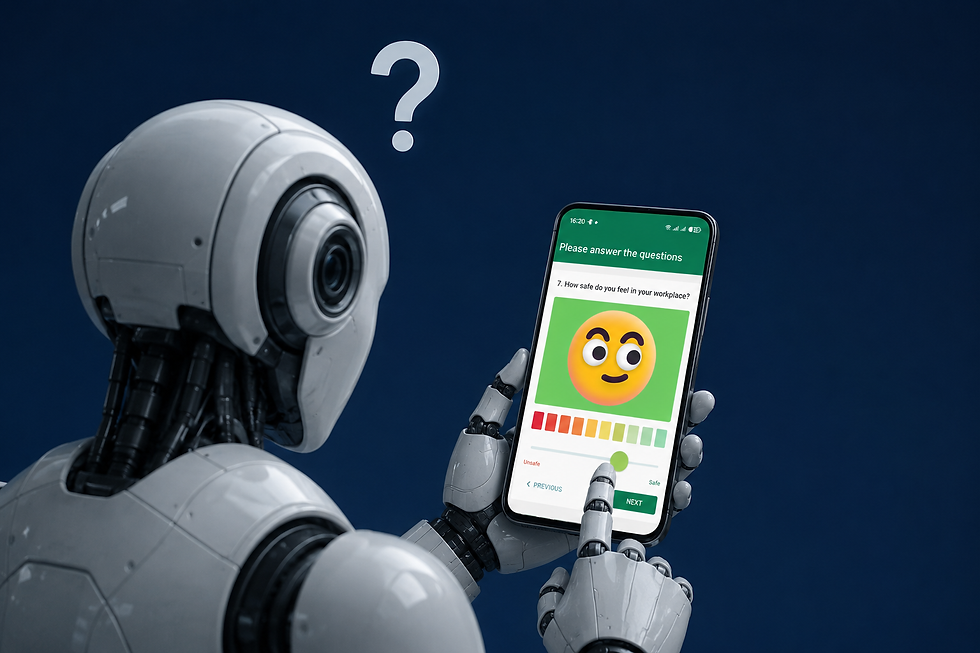
Worker voice: flags
Updated: Jul 1
Our clients expect dashboards that tell them, at a glance, what they need to know, when they need to know it.
Recent discussions reveal how important this is. One large brand told us that their worker voice survey programme has required a full time employee to manage it.
This is clearly not the right answer.
We need technology to do the heavy-lifting for us - so that budgets go further and resources can focus on root cause analysis and driving remedy where it is needed - rather than on administration and analysis.
This is why we have built "worker voice flags" into our Ask The Worker's dashboards.
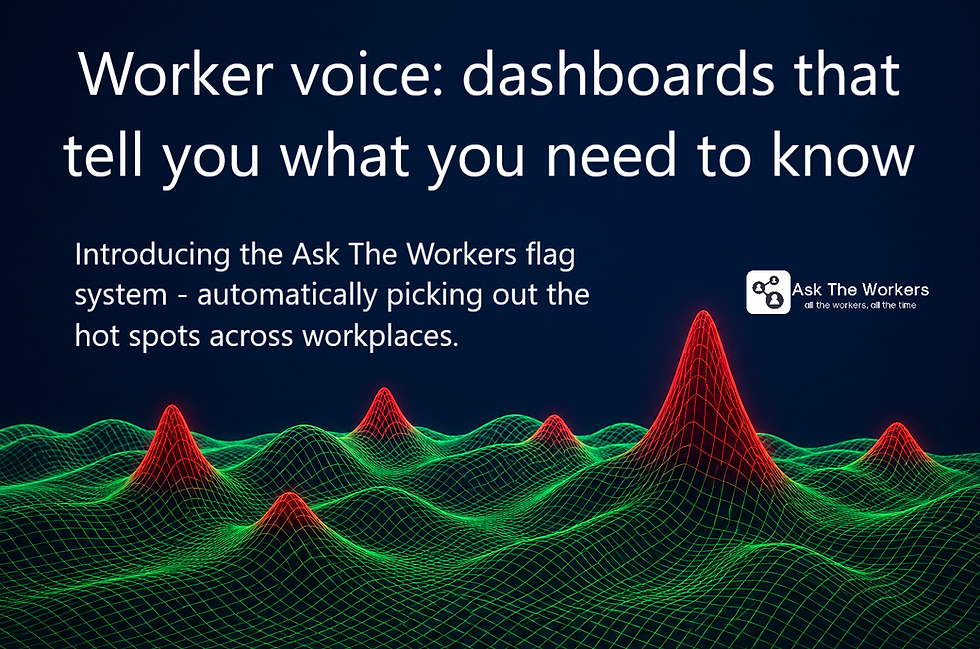
Instead of spending your time scanning dashboards, filtering data, digging for issues, compiling reports, tracking corrective actions, updating spreadsheets, grading workplaces - let's have the platform do the heavy-lifing for you.
Continuous worker voice
Ask The Workers is a continuous worker voice platform. This enables us to operate in a way that survey-based platforms find difficult or even impossible.
Continuous data supports a powerful flag system that tells you what you need to know, when you need to know it.

We see data every day across all the 75 to 200 questions that workers are answering across each workplace. Each worker answers only 10 random questions from the panel taking a minute - but all the questions get covered by the workforce as a whole.
The app is continuous so workers return; they can use the app every day. Workers continue to tell you their view of risks, and whether they are persisting or whether they are correcting.
We have also implemented algorithms that automatically check for "hidden risks" in the data - we do not rely solely on averages.
Worker voice flags: how they work
We have two kinds of flag:
Saliency: this flag is raised if the averages score for a given question falls below a user-defined threshold.
Hidden risks: this flag is raised if a minority of the workforce is scoring a question significantly lower than the average, again with thresholds controlled by the user.
Flags can run your corrective action plan
We can look at the history of flags at a specific workplace - and see which flags are persisting, which are new, which are no longer there.

So workers raise risks as they emerge and similarly advise when the risk has reduced or disappeared. No need to chase suppliers for verification, noting that suppliers can also be an unreliable source.
Worker voice flags can give you context
We can also pick a single question and see the history of flags for that specific question across all the workplaces on the platform - this question is about access to food - showing which workplaces in the portfolio have triggered that specific flag and for how long:

No workplace is perfect - and worker expectations also vary culturally, geographically and by industry. What may be acceptable to workers in one location may not be acceptable to workers in another.
Well-designed dashboards put the important data at the user's fingertips.
Changing sensitivities: users are in control
A powerful part of our flag system is that users can alter the sensitivity level. This is real-time.
Reduce the sensitivity: fewer flags appear
Increase the sensitivity: more flags appear

We also categorise risks between critical, major and minor - enabling users quickly to prioritise their focus. Filtering for criticality is another lever for users that can enable them quickly to isolate the matters that need their attention.
Weaker workplaces can run with lower sensitivities to reduce the number of flags in scope, whilst stronger workplaces can run with higher sensitivities so that improvements can continue from the foundation that they already have.
Digging deeper into flags
We are only scratching the surface here of what our platform offers.
Good data and a good design can deliver a powerful solution.
See our general article about worker voice and how meaningful stakeholder engagement starts by connecting to the workers to hear what they have to say - so that dialogue can follow.
Find out more and ask us for call?
Contact us at info@es3g.com or book a call directly here.